Essential Apps for Korea Travel: What to Install Before You Arrive
Build a practical Korea app setup for maps, translation, taxis, transport, emergency help, and reservations without overloading your phone
Install fewer but more useful Korea travel apps: map, translation, taxi, transport, bookings, payment backup, and emergency help.
You do not need twenty apps for Korea. You need a small set that solves the moments where travelers get stuck: finding the correct exit, reading a menu, calling a taxi, checking a route, showing an address, and getting help when something goes wrong.
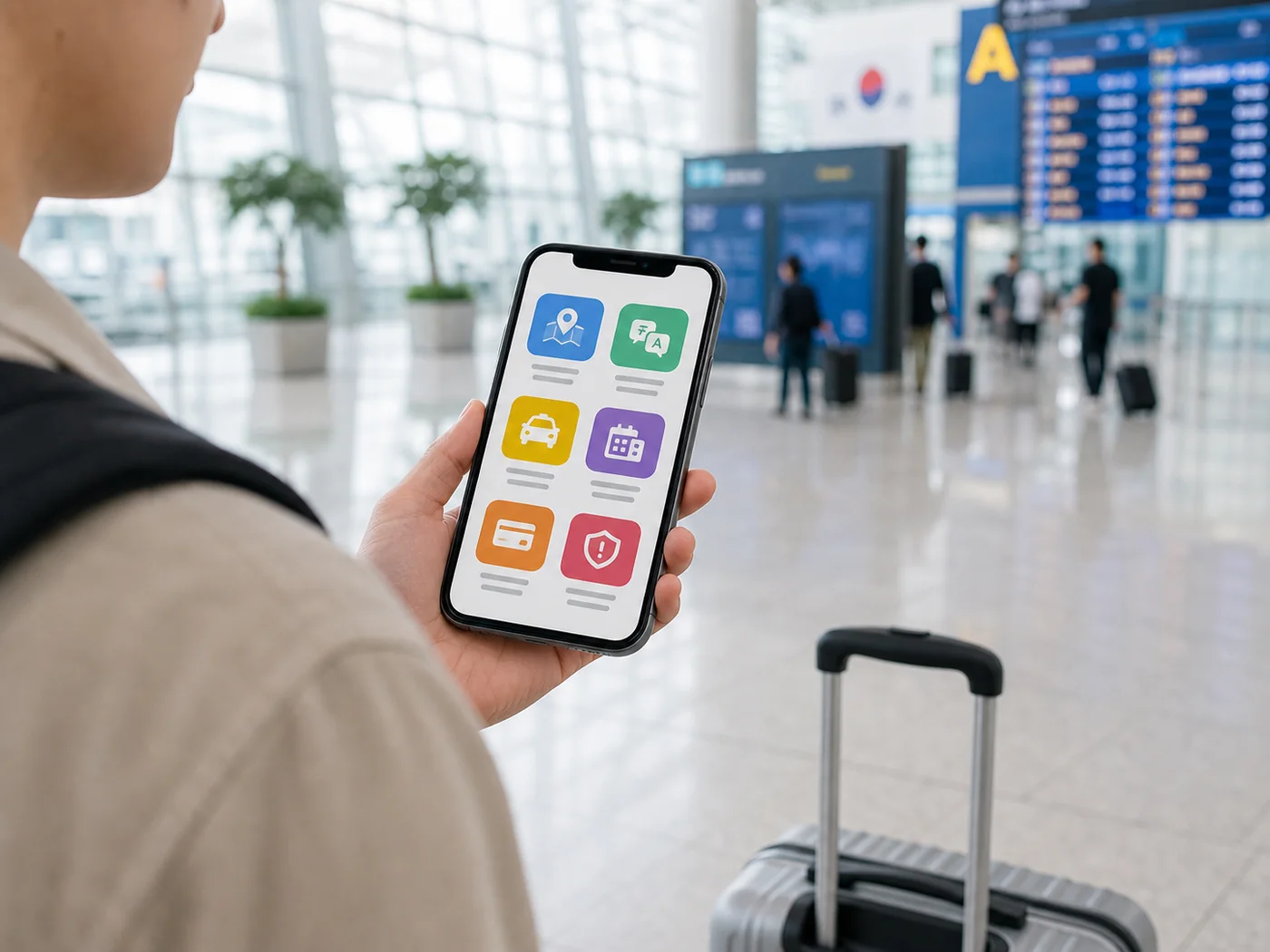
Do Not Install Every App. Cover the Core Tasks.
Think by situation instead of brand name. Before arrival, your phone should be able to handle these tasks: map search, route planning, translation, taxi or ride-hailing, train or bus lookup, accommodation messaging, and emergency travel help.
Map and Route Apps
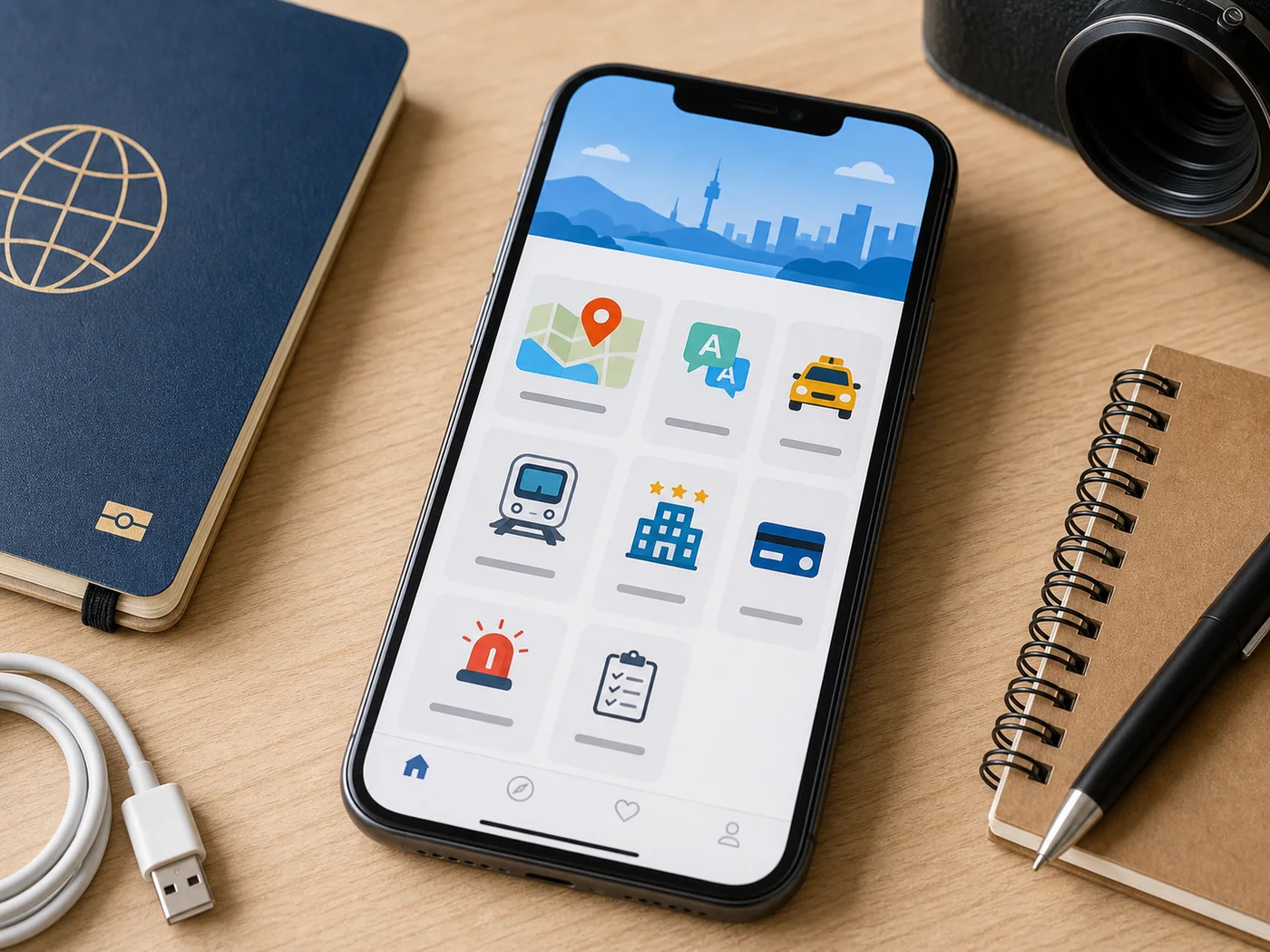
Naver Map and KakaoMap are the main map choices for Korea. VisitKorea describes Naver Maps as widely used in Korea and notes that it can show route suggestions, estimated travel time, business information, reviews, and saved places when available. Google Maps can still help for broad orientation, but it may not be enough for detailed walking, transit, and local business searches in Korea.
Translation Apps
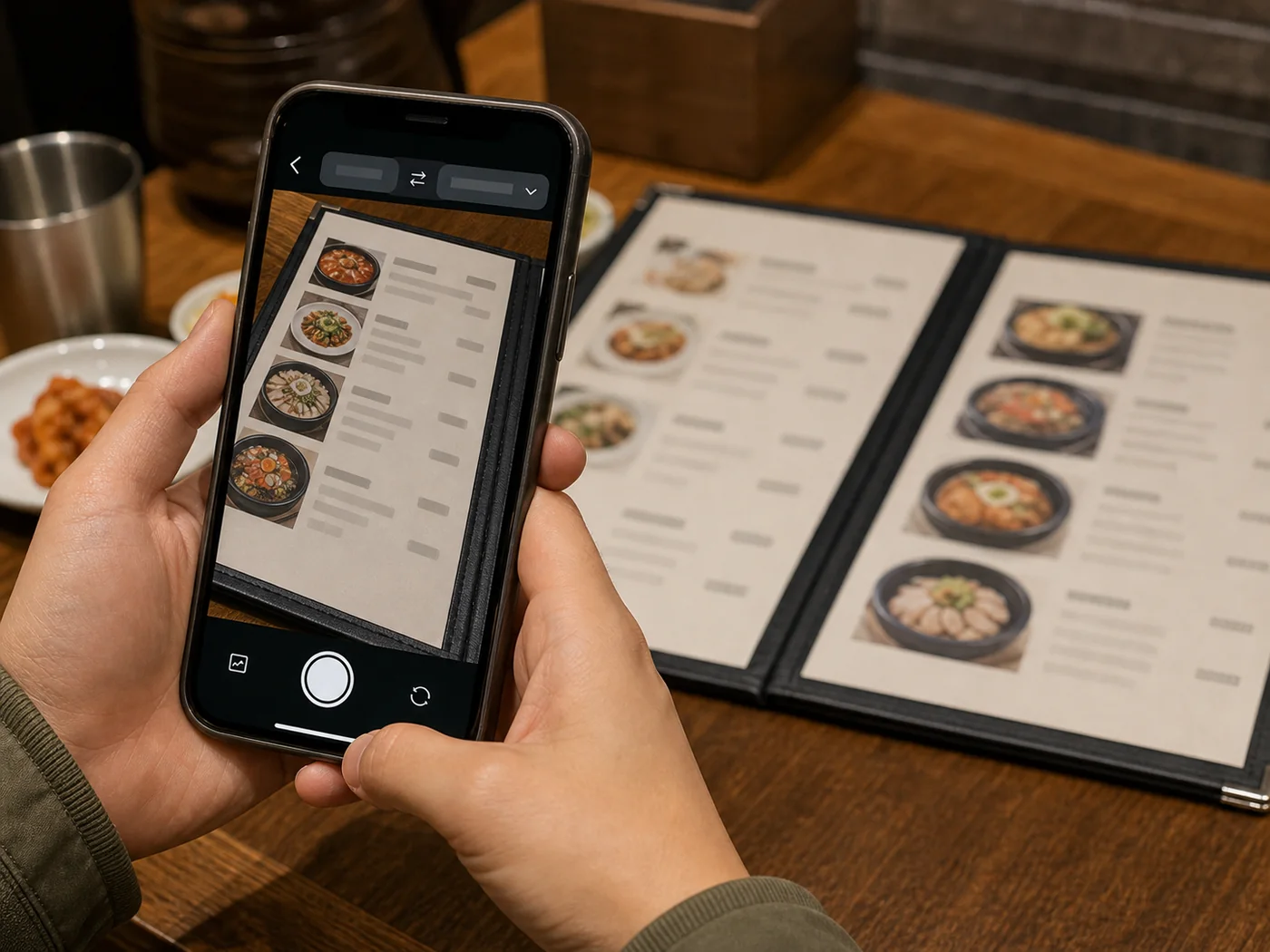
Papago is especially useful for Korean text, short phrases, menus, signs, and image translation. Google Translate is still worth keeping as a backup, especially if you already use it in other countries. Download language data or test camera translation before you are standing in front of a menu.
Taxi and Transport Apps
Kakao T is widely used for taxis, but setup, payment options, and phone verification can vary by traveler. If it does not work smoothly, your backup is simple: ask hotel staff to call a taxi, use a taxi stand, or show your destination address in Korean. For subways and trains, save routes in advance and keep screenshots for airport, late-night, or low-battery situations.
Messaging and Booking Apps
KakaoTalk may be useful if you need to contact certain Korean businesses, hosts, or tour providers. Booking platforms, airline apps, and accommodation apps should already be logged in before your trip. Do not discover a password or SMS issue at the airport.
Apps That May Fail Without the Right Setup
- Taxi apps: phone verification or foreign-card payment may not behave the same for every visitor.
- Restaurant and queue systems: some may expect a Korean phone number.
- Delivery apps: address input, payment, and phone verification can be difficult for short-term travelers.
- Banking and mobile payments: do not rely on one wallet or one card.
A Lean App Stack for Most Visitors
Install one primary Korea map app, one backup map app, Papago, your taxi option, your airline and accommodation apps, and a way to contact travel support such as the 1330 Korea Travel Helpline. That is enough for most sightseeing days.
Before Departure Setup
Open each app once, change language settings if available, log in where needed, save your hotel, save airport-to-hotel directions, and screenshot your first-day route. If an app needs SMS verification, test it before your home SIM becomes difficult to access.