Korea SIM Card, eSIM, Pocket WiFi, or Roaming: Which One Should You Choose?
A traveler-focused guide to mobile data, Korean phone numbers, airport pickup, eSIM setup, pocket WiFi, and backup internet in Korea
Choose Korea mobile internet by device, group size, phone number needs, airport pickup, and backup plans instead of buying the first cheap data plan.
The best Korea internet option is not always the cheapest plan. It depends on whether your phone supports eSIM, whether you need a Korean phone number, how many people are traveling together, and how much trouble you can tolerate on arrival day.

Choose by Phone Number, Not Only by Data
Many visitors only need mobile data for maps, translation, messaging, and browser searches. In that case, an eSIM or data-only SIM may be enough. But some situations can require a phone number or SMS verification, such as certain reservations, delivery apps, queues, or local services. A Korean number can help, but it does not automatically solve every identity-verification problem in Korea.
The Quick Decision
Choose an eSIM if your phone supports it, you want to set up before departure, and you mainly need data.
Choose a physical SIM if your phone is unlocked, you want staff help at the airport, or you want a plan that includes a Korean number.
Choose pocket WiFi if a group will stay together most of the day and wants one shared device.
Use roaming if you value simplicity more than price and your home carrier has a clear Korea package.
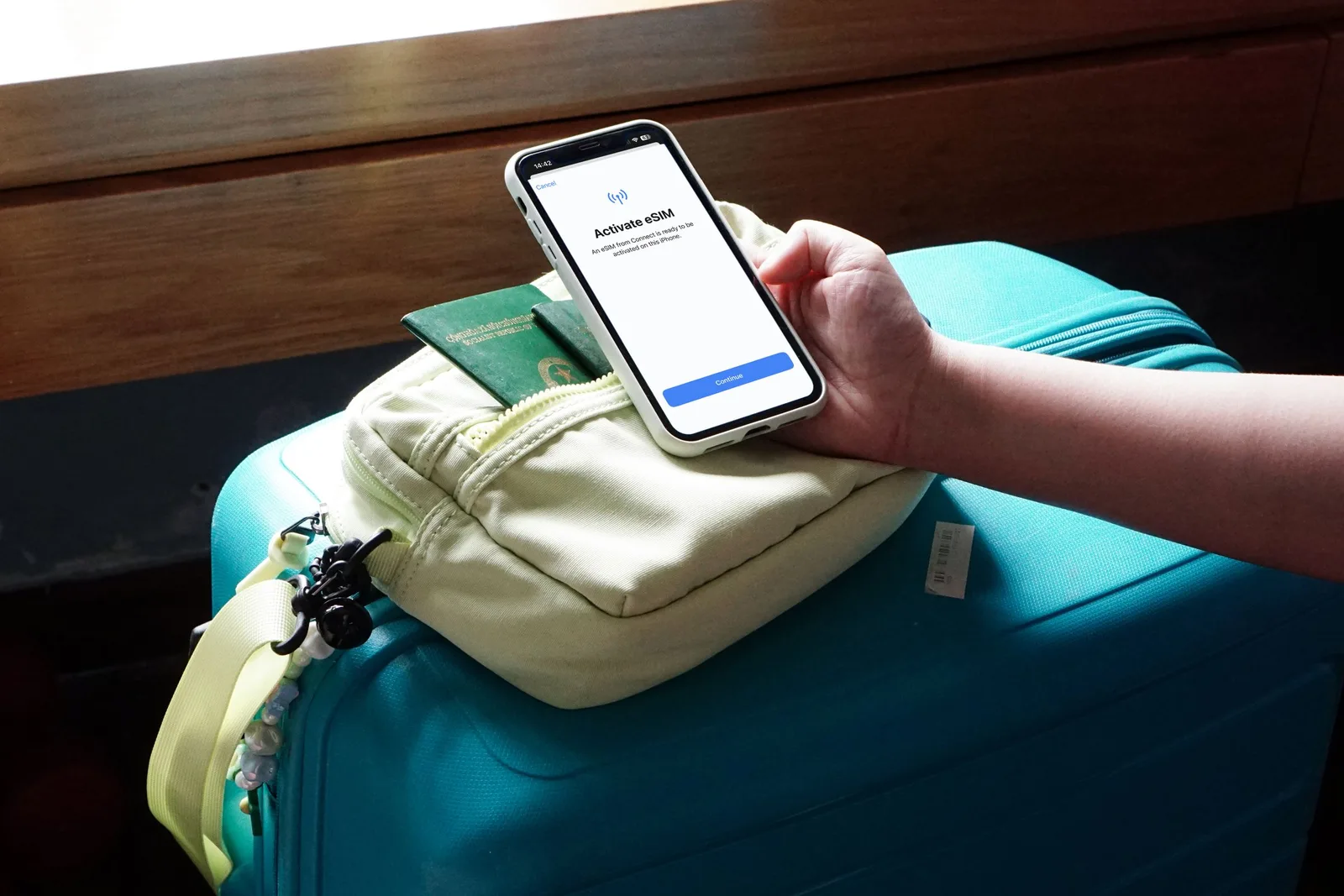
eSIM: Best When Arrival Day Needs to Be Simple
An eSIM can be bought online and activated by scanning a QR code or using an app flow. This is convenient because you can prepare before landing. The main risk is compatibility: your phone must support eSIM, be carrier-unlocked, and allow the plan in Korea. Check this before buying, because a cheap eSIM is useless if your phone cannot activate it.
Physical SIM: Better If You Want Counter Help
A physical SIM can be useful if you prefer face-to-face help at an airport counter or want a plan with a local number. The tradeoff is that you may need to swap your home SIM, keep the tiny card safe, and adjust settings after installation. If you need access to your home number for bank codes, plan around that before removing the SIM.
Pocket WiFi: Good for Families, Weak for Split Days
Pocket WiFi makes sense when several people move together: one rental device can connect multiple phones. It becomes annoying when the group splits up, when the battery dies, or when the person carrying the device goes somewhere else. For couples or families who separate often, individual SIMs or eSIMs may be less stressful.
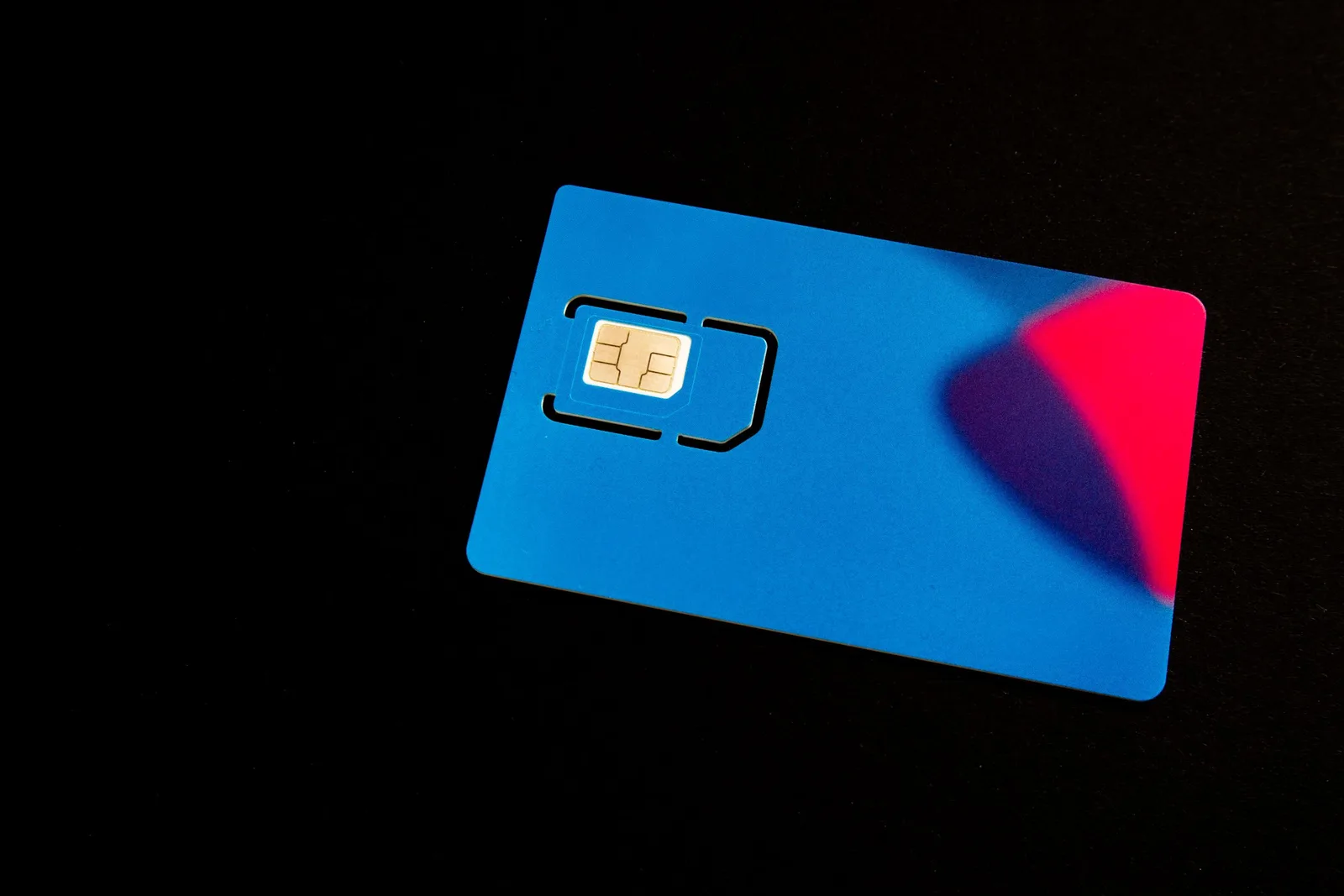
Airport Pickup vs Advance Setup
Airport pickup is reassuring because staff can help, but it adds one more stop after a flight. Advance eSIM setup avoids the counter, but you need to follow instructions correctly. If you arrive late, check whether the pickup counter operates at your arrival time. If you land tired with children or heavy luggage, fewer airport errands usually wins.
What Can Go Wrong
- Your phone is locked to your home carrier.
- The eSIM is installed but data roaming for that line is off.
- Your plan is data-only, so SMS or voice calls do not work.
- You remove your home SIM and lose access to banking verification texts.
- Pocket WiFi battery runs out during a long sightseeing day.
Setup Order After Landing
First, connect to airport WiFi if needed. Then activate the SIM or eSIM, test a website, test Naver Map, and send one message through your normal messaging app. Do this before leaving the airport. Once you are in a taxi or on a train, troubleshooting becomes harder.